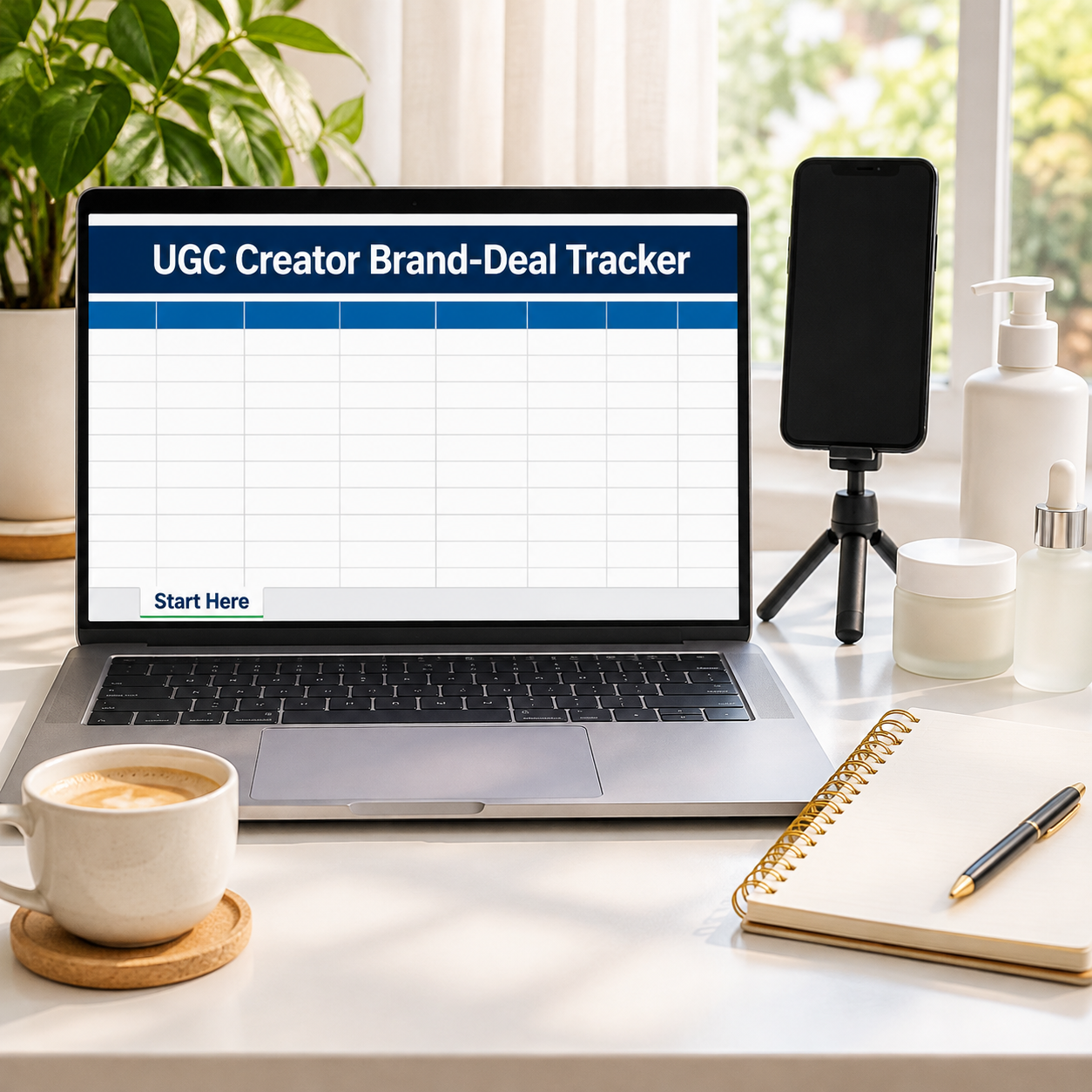

Brand deals don’t die in the pitch — they die in the follow-up: the delivered video nobody invoiced twice about, the usage fee that was never a line item. This tracker runs the whole pipeline — Pitched → Negotiating → Booked → Delivered → Paid — with the money math creators skip: base fee PLUS usage-rights fee, divided by the hours the deal actually took. The sample pipeline holds 8 deals worth $4,320: $1,400 banked, $1,420 still in pipeline — and $700 OVERDUE across 2 delivered deals, flagged in red automatically. Usage fees alone are $895, 20.7% of all deal income. Blended rate: $91.91/hr against a $60 target — but only because the overdue money gets chased.
What it does for you:
– Overdue payments flag themselves: enter the payment due date and any delivered-but-unpaid deal past it turns red with an OVERDUE status and a chase total — no more money rotting in a sent folder.
– Usage rights are priced, not gifted: every deal carries a separate usage-fee line, and the tracker reports usage as a share of your income (20.7% on the sample) so you can see what undercharging for rights costs.
– Effective $/hr per deal: a $350 deal that took 4.5 hours pays $77.78/hr; the tracker computes it for every deal and blends it across the pipeline ($92.06/hr on delivered + paid deals).
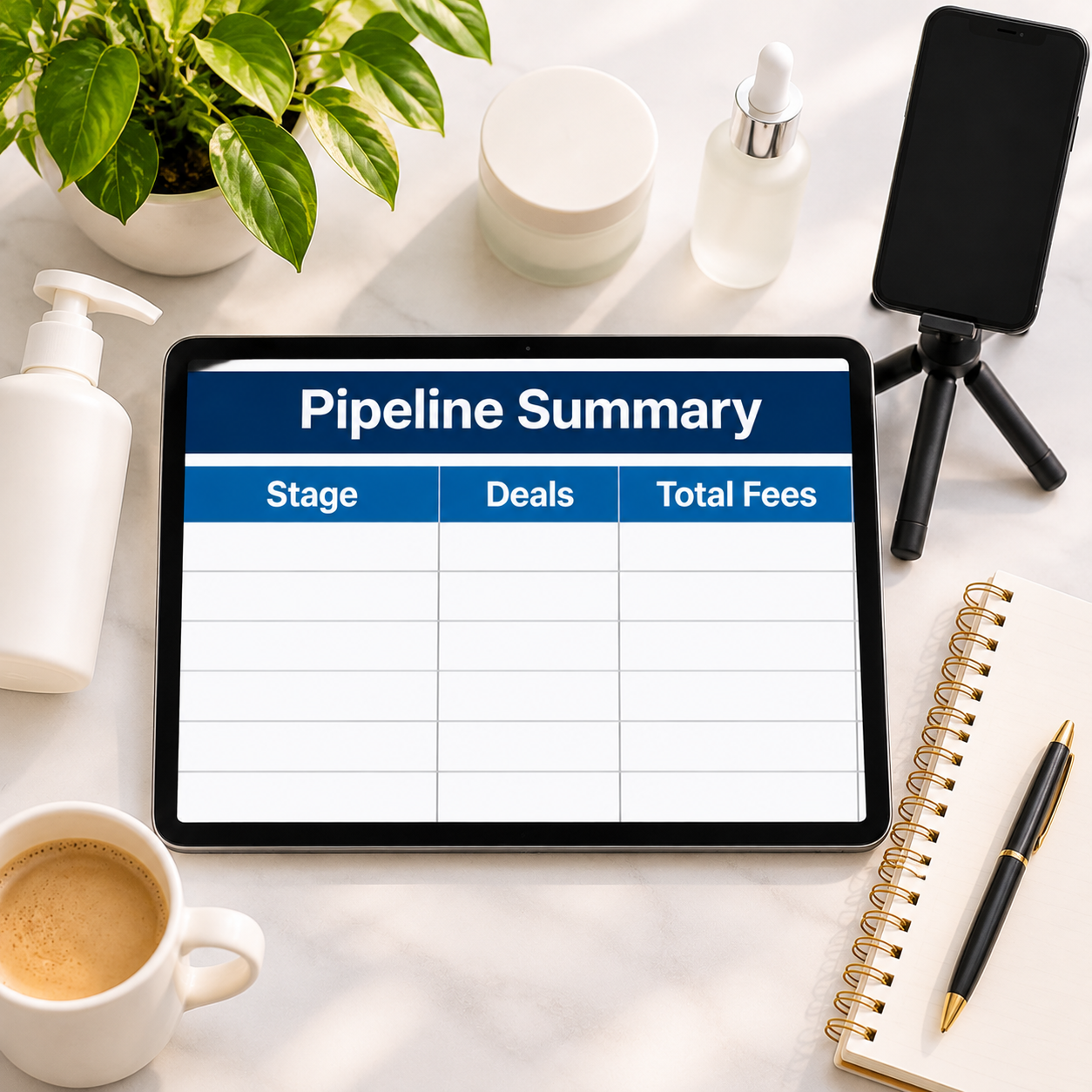
– The pipeline has a price tag at every stage: Pipeline Summary totals deals and fees by stage — $520 pitched, $300 negotiating, $600 booked, $1,500 delivered, $1,400 paid — so you always know next month’s likely income.
– Deliverables are counted per deal (14 across the sample), so “3 videos + stories” deals are compared fairly against single-video deals.
What’s inside (.xlsx, works in Excel AND Google Sheets):
– Start Here — plain-English setup + your settings (target effective rate, today’s date for the overdue check)
– Deal Pipeline — 12 deal rows: brand, campaign, stage dropdown, deliverables, base fee, usage fee → total fee, effective $/hr, payment status with red overdue flags
– Pipeline Summary — deals, total fees and usage fees by stage, with totals
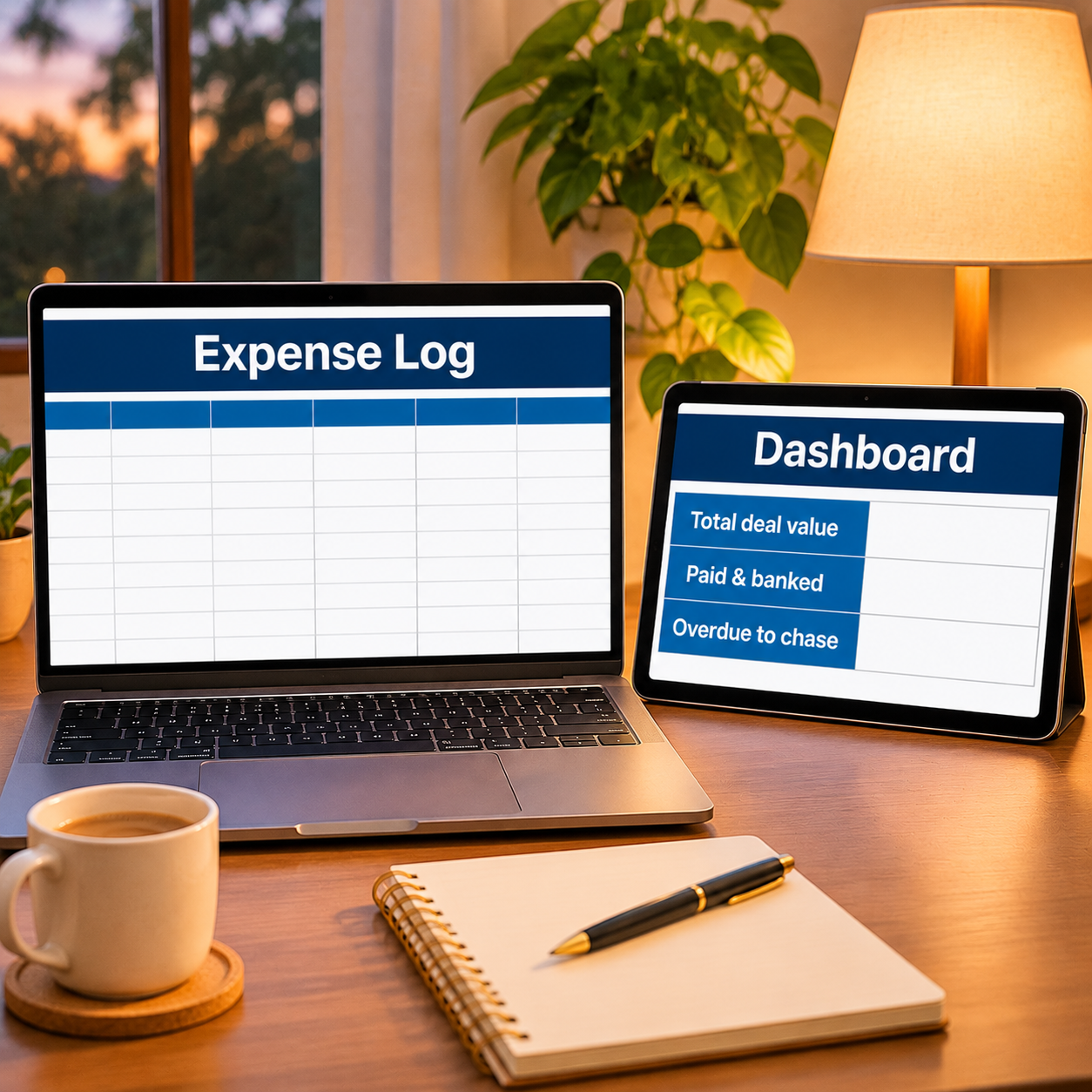
– Expense Log — creator spending, categorized (props, gear, apps…)
– Monthly Budget — zero-based, Budget vs Actual fills itself
– Dashboard — deal value, banked, overdue and blended rate on one screen
– Monthly Summary — spending by month, Jan–Dec
Instant download. Yellow cells are yours to type in; every formula cell is locked (password sheetdaily, shown in Start Here) so nothing breaks by accident. Sample deals are pre-filled so you can see the flags working — replace them with your own. Update the “today’s date” setting on Start Here whenever you open the file and the overdue flags stay honest.

Reviews
There are no reviews yet.