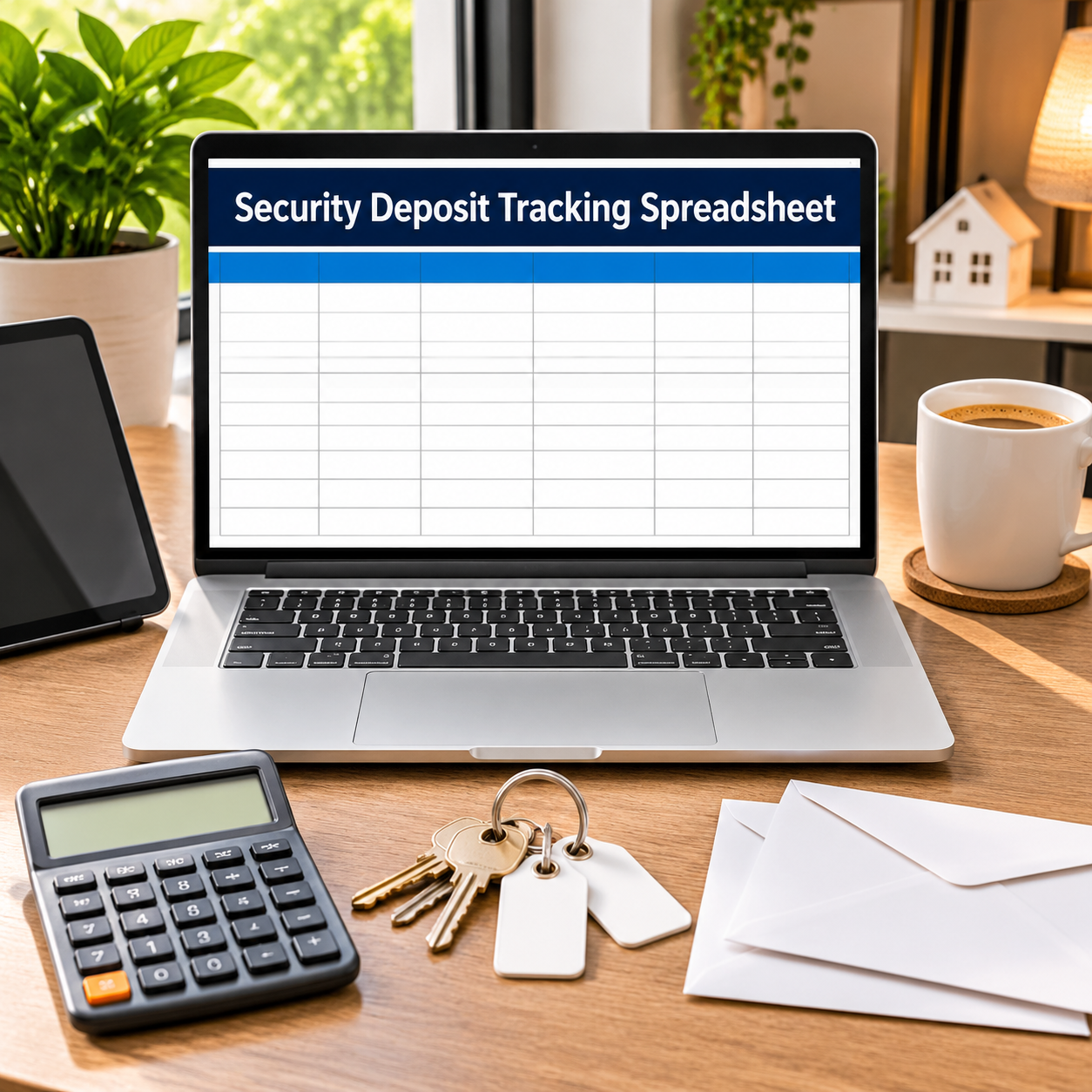
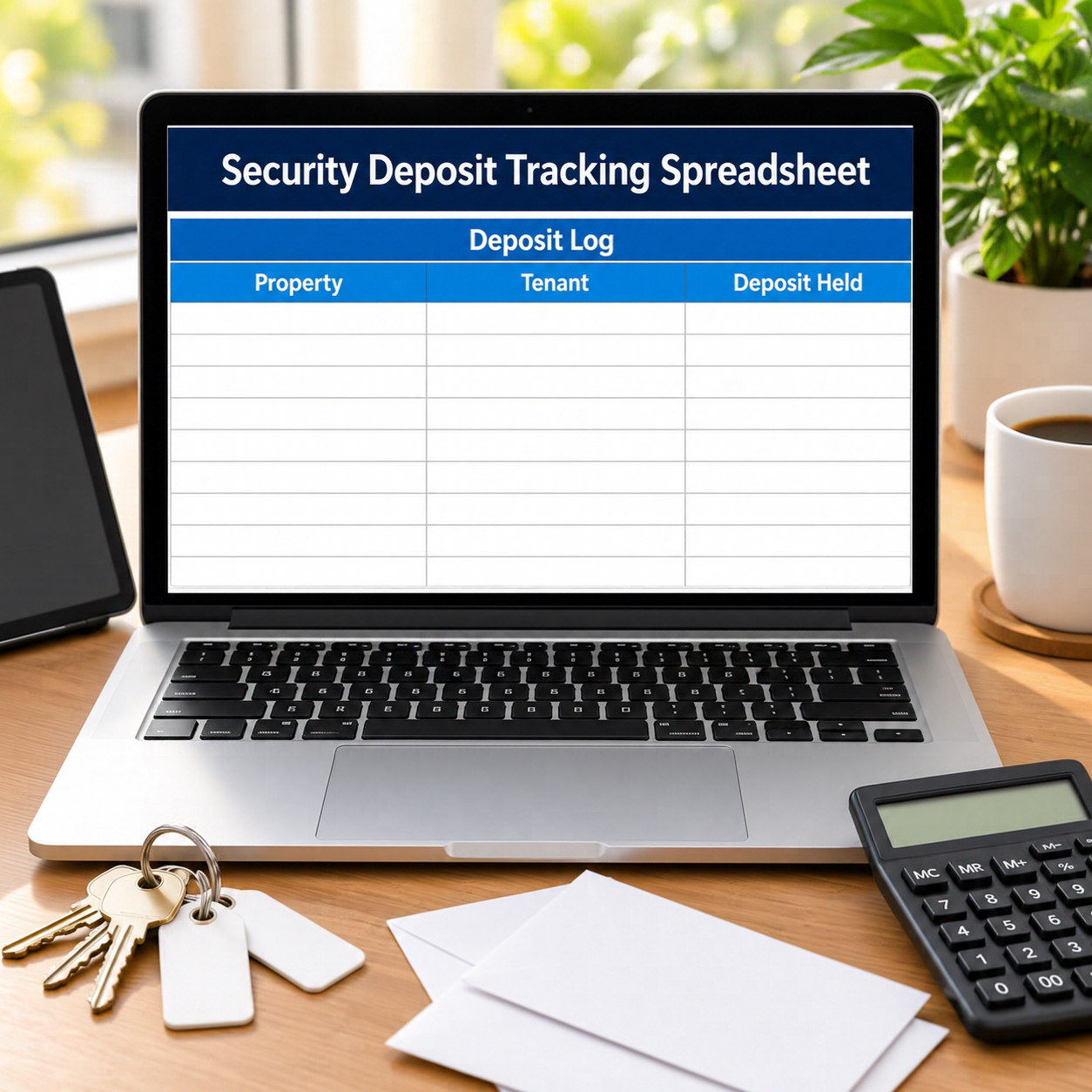
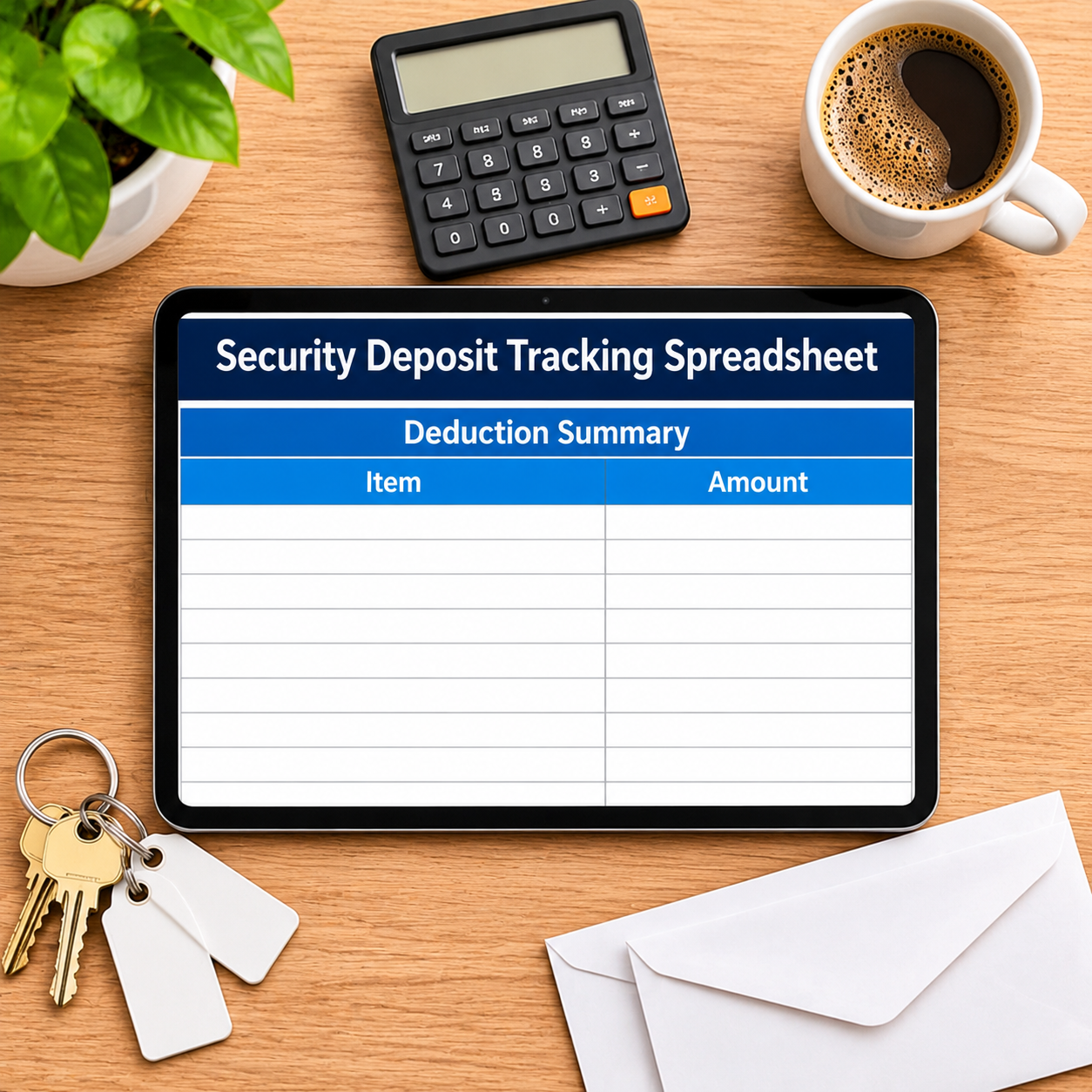

A security deposit is not income. It is a liability with a legal clock on it — and the landlords who get fined are rarely the dishonest ones; they are the ones who lost track of a move-out date. This tracker keeps every deposit, every deduction and every return deadline in one place, and counts the clock down for you. Log the deposit the day it arrives; at move-out, type the date and the deductions, and the refund due, any interest owed and the return deadline calculate themselves from YOUR days-to-return setting. The pre-filled sample portfolio is deliberately uncomfortable: $17,650 held across 12 tenancies, $10,172.21 of refunds due — and $9,031.09 of it OVERDUE across 7 tenancies, flagged in red the day each deadline passed. That is the state a shoebox landlord discovers in court. This sheet makes it impossible to miss.
What it does for you:
– A deadline that computes itself: move-out date + your days-to-return setting (21 days pre-filled as an EXAMPLE — deposit law differs by state and country, so check your local rule and replace it). Every ended tenancy shows “Due in N days” counting down, then OVERDUE — return now, in red.
– Interest owed, where your rules require it: deposit × your example interest rate × days held, calculated per tenancy at move-out — $117.21 across the sample’s ended tenancies. Set the rate to zero if your jurisdiction requires none.
– Liability you can see: deposits of active tenancies ($5,400 on the sample) are totalled separately from refunds due — the money that is not yours, stated as a number you must be able to produce on demand.
– Deductions kept, refunds due, per unit: the Deduction Summary rolls the log into a portfolio position and a by-unit itemized statement view — deposit, deductions, interest, refund due, deadline, status — the line-by-line record a tenant dispute actually asks for.
– The next deadline, always on the dashboard: the sample’s is November 14, 2026. No scanning the log, no mental arithmetic, no surprises.
What’s inside (.xlsx, works in Excel AND Google Sheets):
– Start Here — plain-English setup + your settings (days-to-return and interest rate as verify-and-replace EXAMPLE settings)
– Deposit Log — 16 tenancy rows: property, tenant, move-in/out, deposit held, deductions → interest owed, refund due, return deadline, status countdown
– Deduction Summary — portfolio position (held, active liability, refunds due, overdue $, deductions kept, interest owed, next deadline) + by-unit itemized statement view
– Expense Log — compliance spending, categorized (legal, accountant, trust-account fees…)
– Monthly Budget — zero-based, Budget vs Actual fills itself
– Dashboard — held, liability, refunds due and OVERDUE on one screen
– Monthly Summary — spending by month, Jan–Dec
Instant download. Yellow cells are yours to type in; every formula cell is locked (password sheetdaily, shown in Start Here) so nothing breaks by accident. Sample tenancies are pre-filled so you can see the math working — replace them with your own. Deposit deadlines and interest rules vary by jurisdiction: the settings are examples, not law — check your local rules or ask a professional, and update Start Here. Tracking tool only — not legal advice.




Reviews
There are no reviews yet.