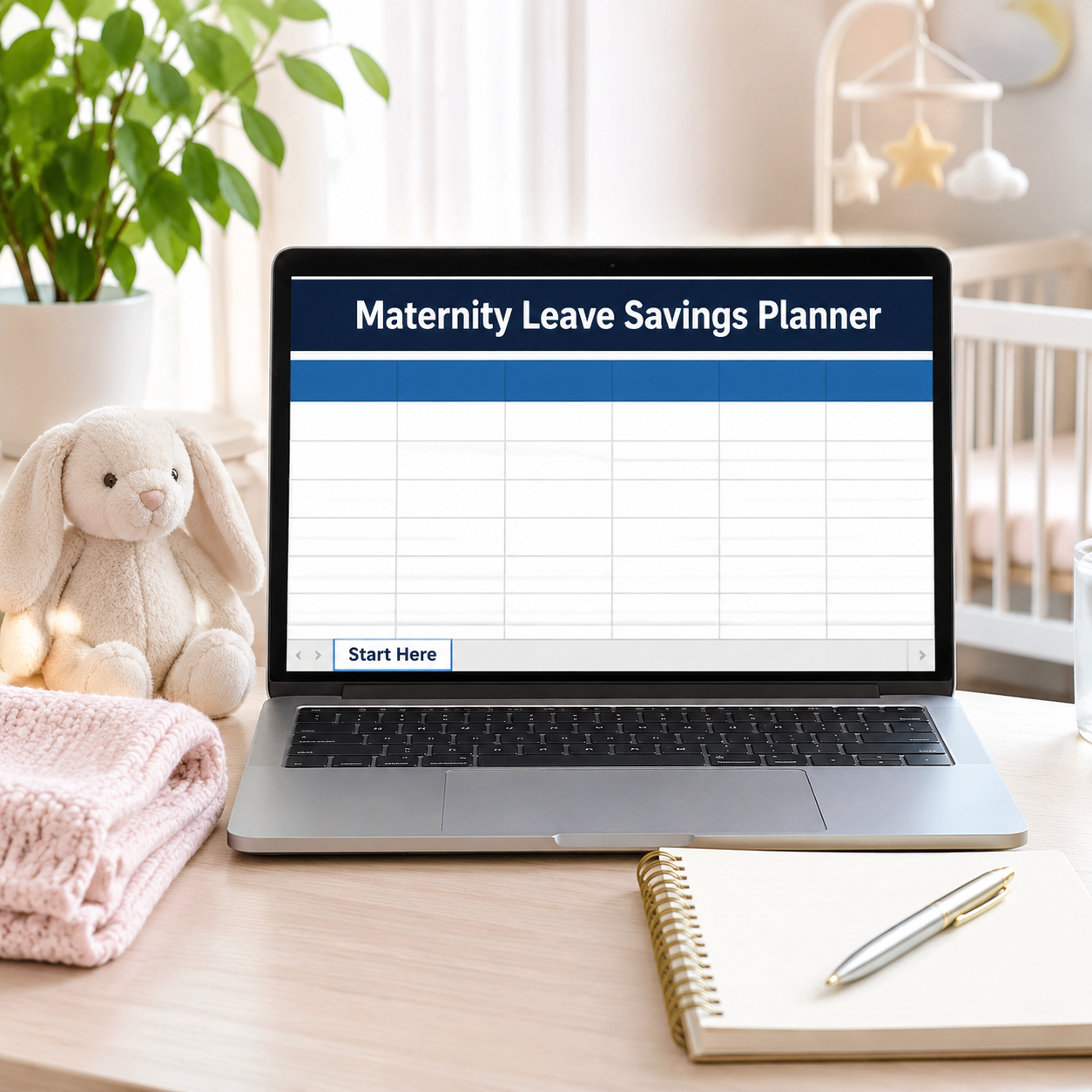

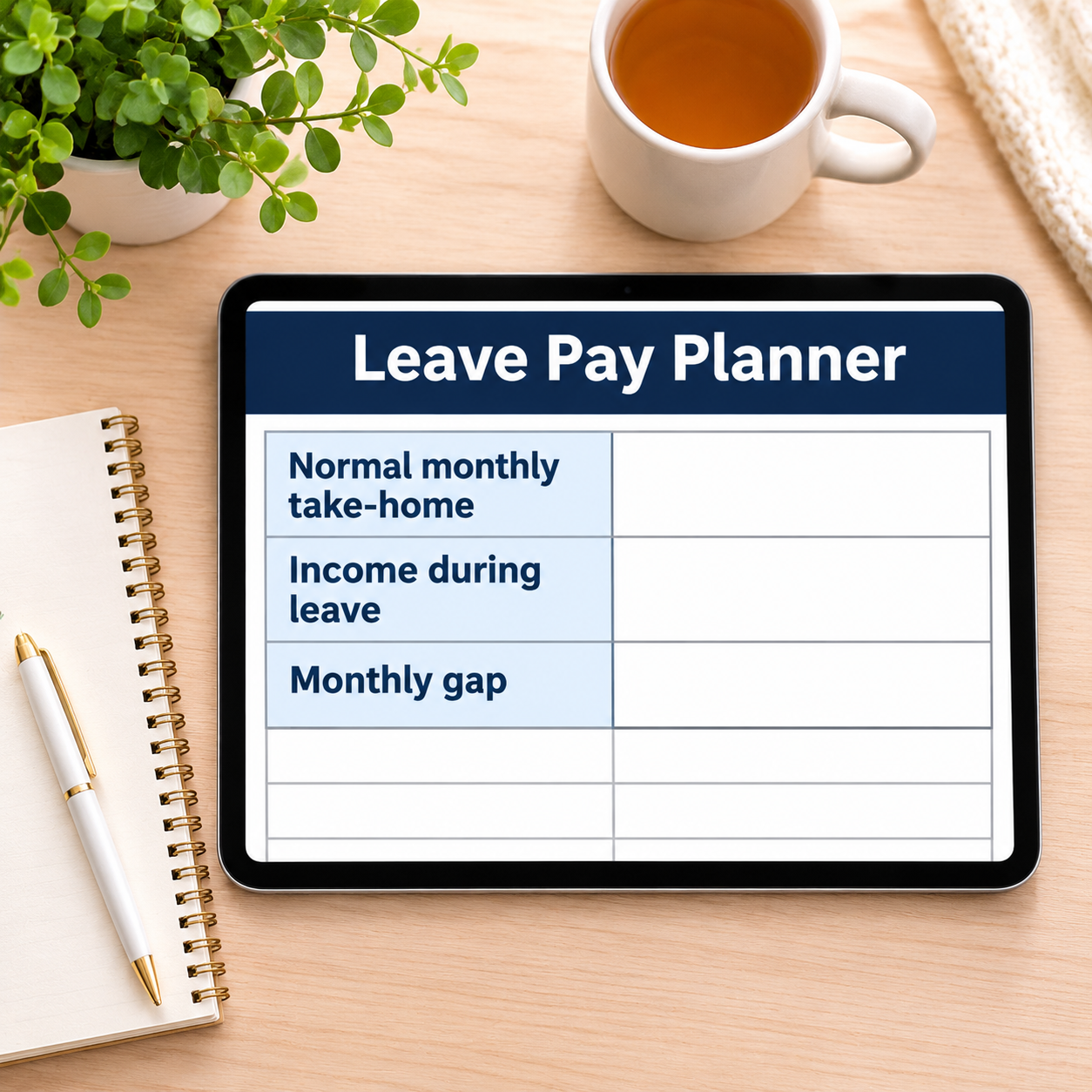
Leave is not paid in feelings: it is normal pay minus leave pay, times every month you are off. In the sample that is $3,850 minus $1,725 — a $2,125 gap, every month, for 9 months: $19,125, plus $1,900 of baby costs still to buy. A $21,025 target sounds frightening until it becomes the only number that matters: $3,104.17 a month for the 6 months left to save. This planner does that math before the leave starts, when it can still change what you do.
What it does for you:
– The gap, priced honestly: you enter your normal take-home and YOUR leave income figure (from your employer or benefits statement — the planner sizes the gap, it does not invent your entitlement), and the total income hole calculates itself.
– Baby costs shrink the target as you buy: the Baby Costs list carries estimated costs and a Bought? flag — the sample’s $2,320 list is already down to $1,900 still to buy, and every purchase lowers the savings target automatically.
– Coverage you can feel: your savings so far are expressed as months of leave covered (1.1 months banked in the sample) — the number that tells you how long you could stay home if leave started today.
– One monthly number, and its weekly twin: $3,104.17/month or $716.35/week for the sample — pick the framing that fits your pay cycle.
– The saving lives in a real budget: the zero-based Monthly Budget tracks the Baby Fund transfer beside rent and groceries, so the target is funded from actual months.
What’s inside (.xlsx, works in Excel AND Google Sheets):
– Start Here — plain-English setup + your settings (normal pay, leave income, leave length and start, months left to save, saved so far)
– Leave Pay Planner — monthly gap, total gap, target, still to save, monthly/weekly saving needed, months of leave covered
– Baby Costs — the one-time list with Bought? flags; Still To Buy feeds the target
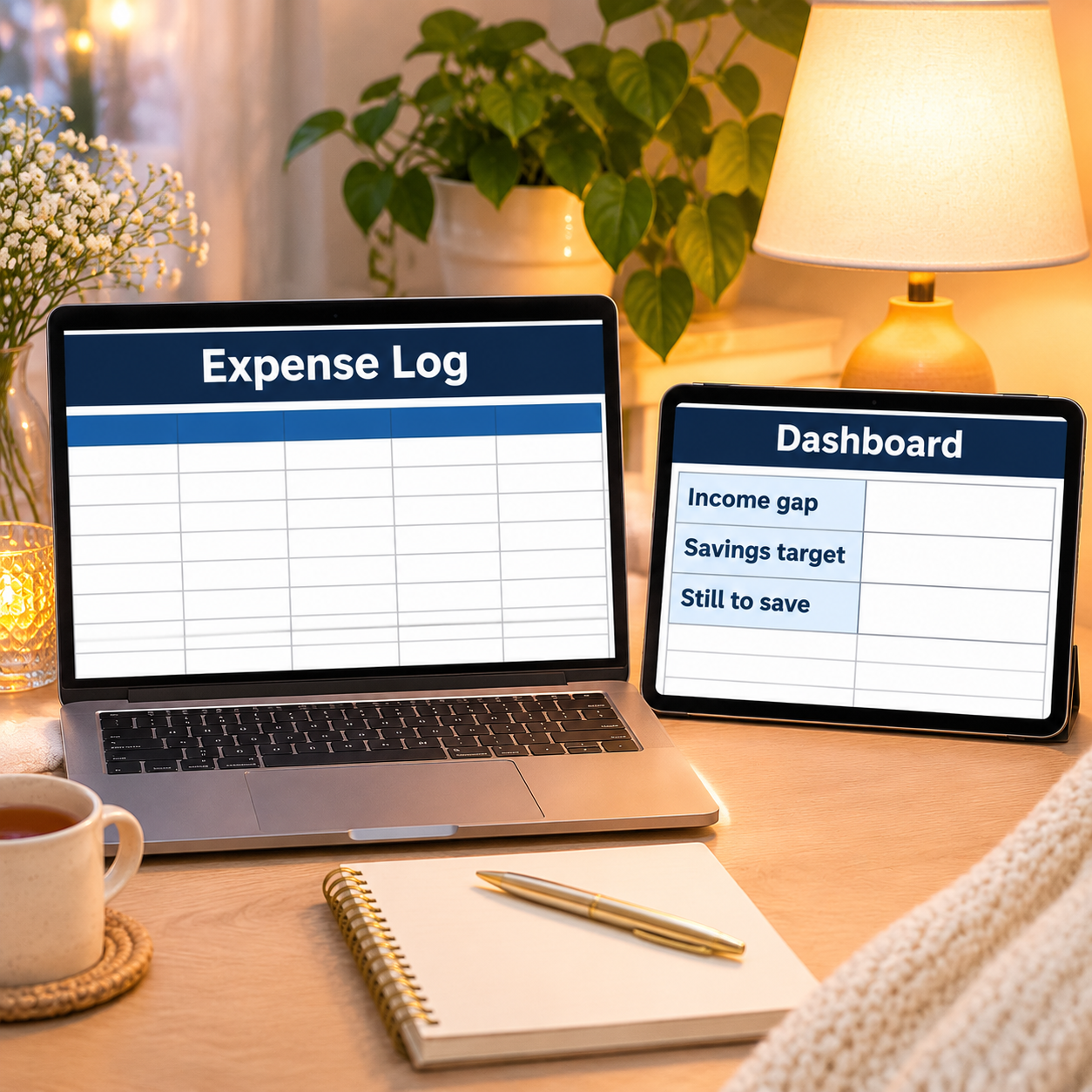
– Expense Log — everyday spending, categorized
– Monthly Budget — zero-based, Budget vs Actual fills itself
– Dashboard — the whole leave plan on one screen
– Monthly Summary — spending by month, Jan–Dec
Instant download. Yellow cells are yours to type in; every formula cell is locked (password sheetdaily, shown in Start Here) so nothing breaks by accident. A sample plan is pre-filled so you can see the gap math working — replace it with your own figures. Planning tool only — not benefits, tax or financial advice.


Reviews
There are no reviews yet.