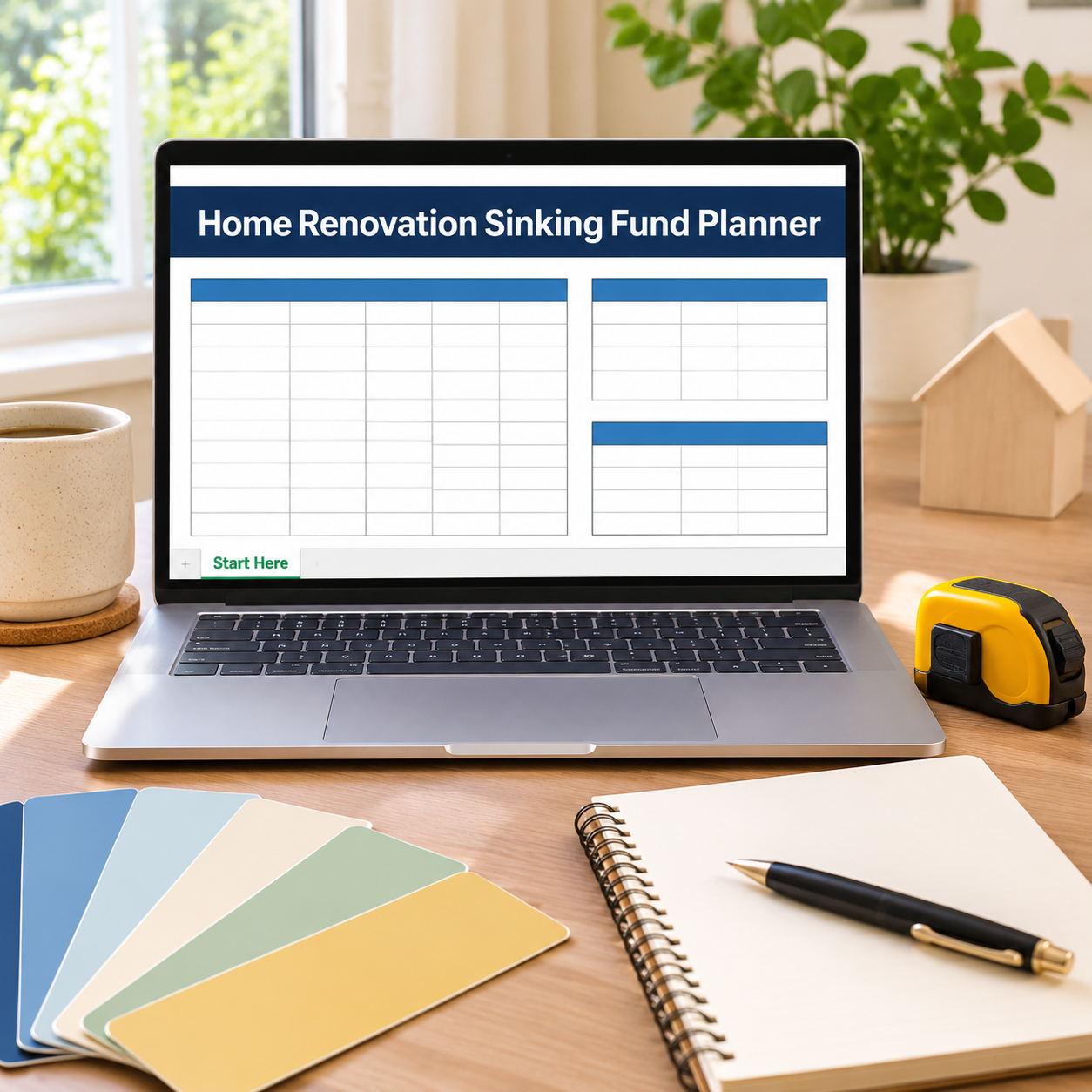
Eight projects. One monthly set-aside. Every other sinking-fund sheet pretends each fund gets its own money — this one starts from the truth: your $425 a month has to cover the kitchen, the roof and the water heater that will not wait. List each project with its cost, priority and target month, and the planner prices every project monthly, splits your one set-aside across them by need and priority, and shows — per project — what is still short.
What it does for you:
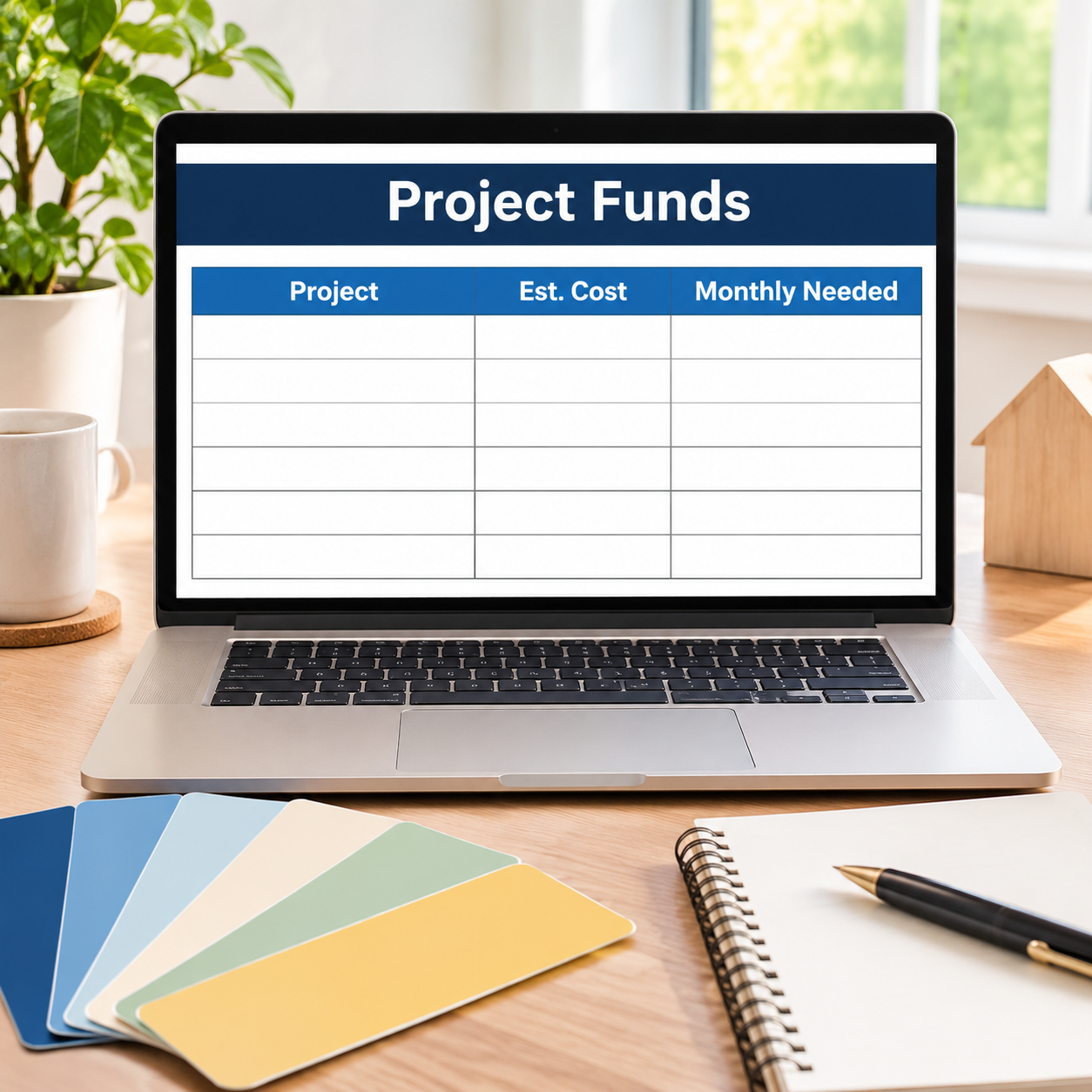
– Every project gets an honest monthly price: estimated cost spread over the months until its target month. The sample’s eight projects need $3,099.06/month combined — the planner says so, instead of letting you discover it in March.
– One set-aside, split fairly: your $425 divides by need weighted by priority (High ×3, Medium ×2, Low ×1) — the water heater due in 4 months pulls $80.73/month while the deck due in 19 months takes $13.72.
– Shortfalls are named, not hidden: a Monthly Shortfall per project ($705.54 on the kitchen) and a Status that flags Due soon — short when a deadline is within 6 months and the money is not there.
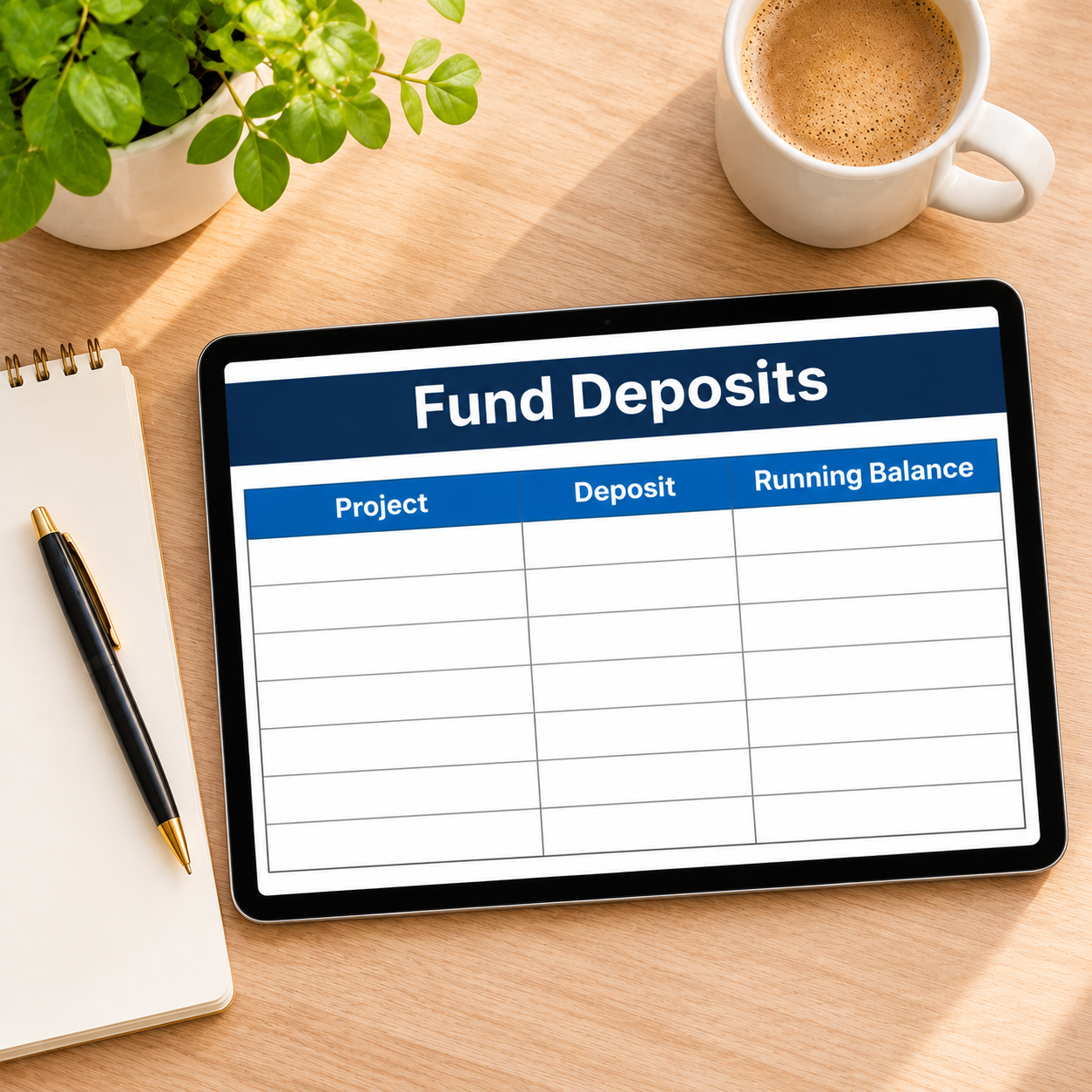
– Real money, separately tracked: Fund Deposits logs every deposit and withdrawal by project with a running balance — the sample fund holds $2,275 ($1,200 opening + $1,075 logged), and the kitchen’s $600 is visible on its own.
– The household stays whole: the zero-based Monthly Budget carries the Renovation Fund transfer beside everyday spending, so saving for the house happens inside the real month.
What’s inside (.xlsx, works in Excel AND Google Sheets):
– Start Here — plain-English setup + your settings (monthly set-aside, opening balance, fund start)
– Project Funds — cost, priority, target month, months left, monthly needed, fund share, status, shortfall per project
– Fund Deposits — dated deposits/withdrawals by project with a running fund balance
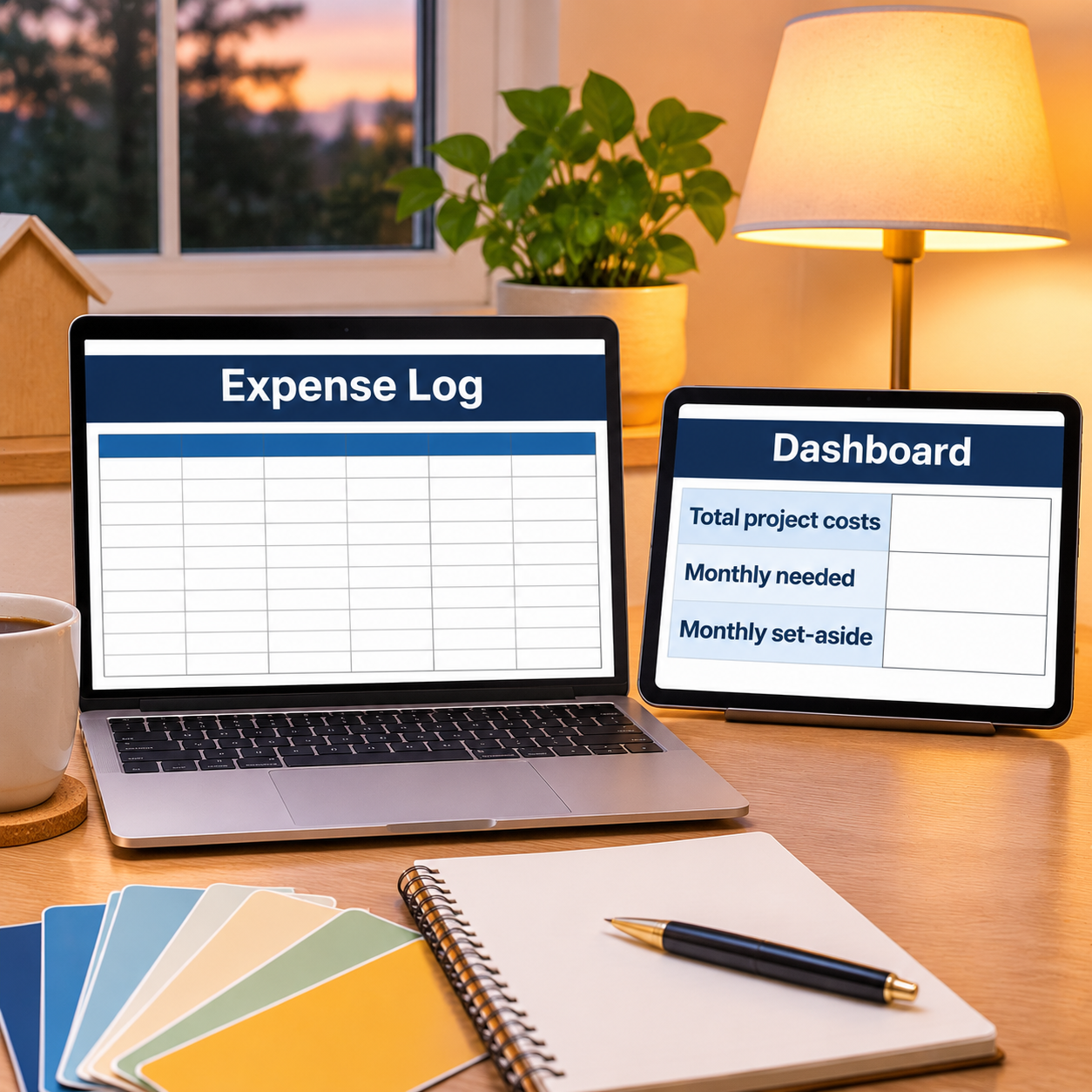
– Expense Log — everyday spending, categorized
– Monthly Budget — zero-based, Budget vs Actual fills itself
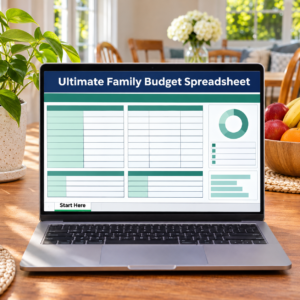
– Dashboard — total project costs, the monthly gap, next deadline, fund balance
– Monthly Summary — spending by month, Jan–Dec
Instant download. Yellow cells are yours to type in; every formula cell is locked (password sheetdaily, shown in Start Here) so nothing breaks by accident. Sample projects are pre-filled so you can watch the split work — replace them with your own house.


Reviews
There are no reviews yet.