
A CRA payment arrangement runs on CRA’s arithmetic, not yours: the prescribed rate is set quarterly and interest compounds daily, so any projection you make will drift a little from the balance CRA shows you. Most trackers hide that drift. This one is built around it — project the payoff month by month, then reconcile every CRA statement against the projection, so a growing difference warns you months before it becomes a collections problem.
What it does for you:
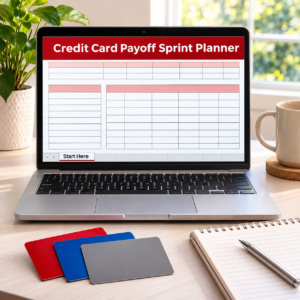
– Start Here — 5-minute setup: the amount owed, your monthly payment and the first payment date from your CRA arrangement. The interest rate is a yellow example cell — enter the prescribed rate from your own CRA statement (it is set quarterly; update it when it changes).
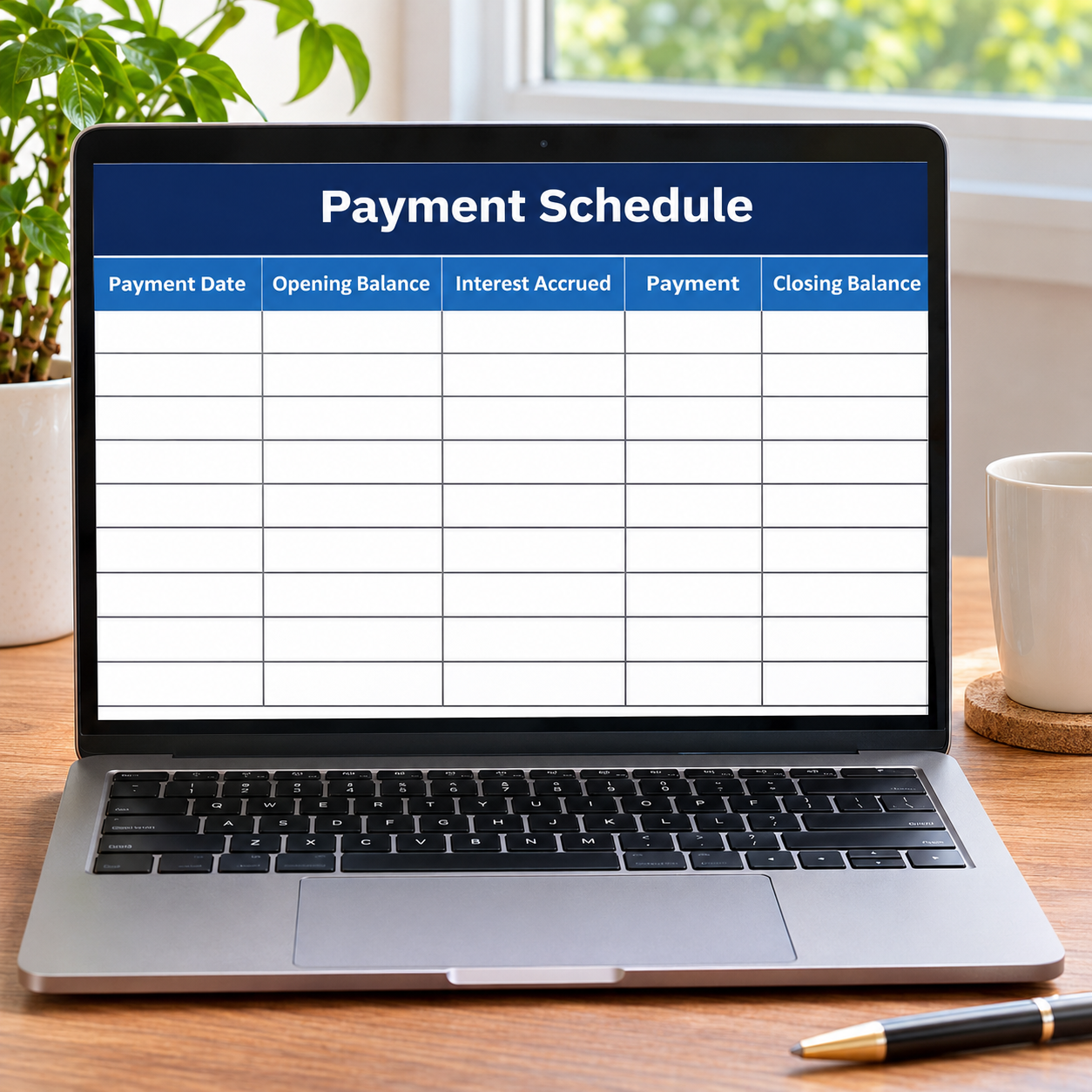
– Payment Schedule — month by month: interest accrues on the opening balance, your payment lands, the closing balance calculates itself, and the final (smaller) payment stops the schedule at exactly $0.
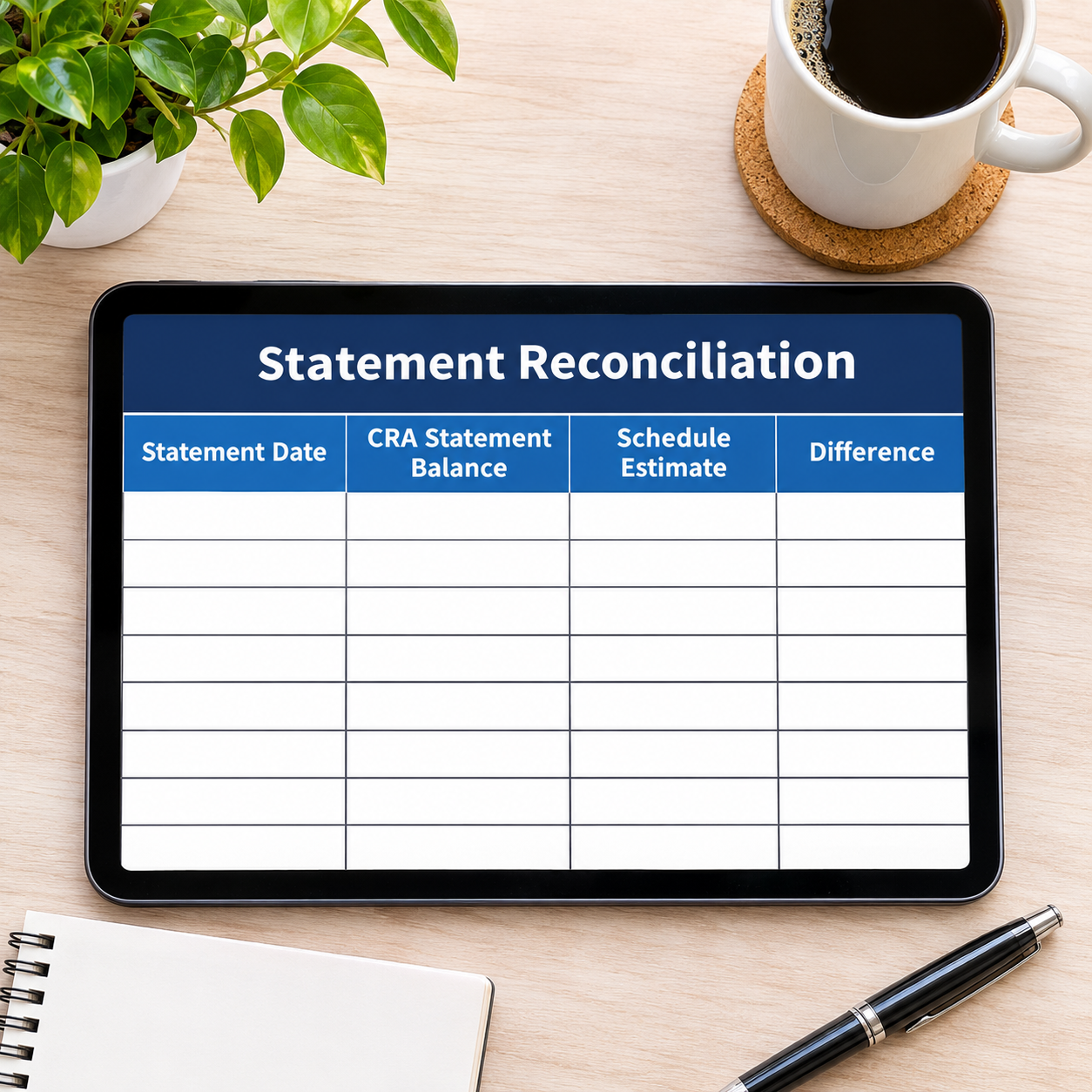
– Statement Reconciliation — the tab no other tracker has: type each CRA statement balance (or your CRA account balance) and the sheet pulls the schedule estimate for that month and shows the Difference. Small differences are normal — CRA compounds daily, the sheet estimates monthly — but a difference that grows every month is your cue to call CRA.
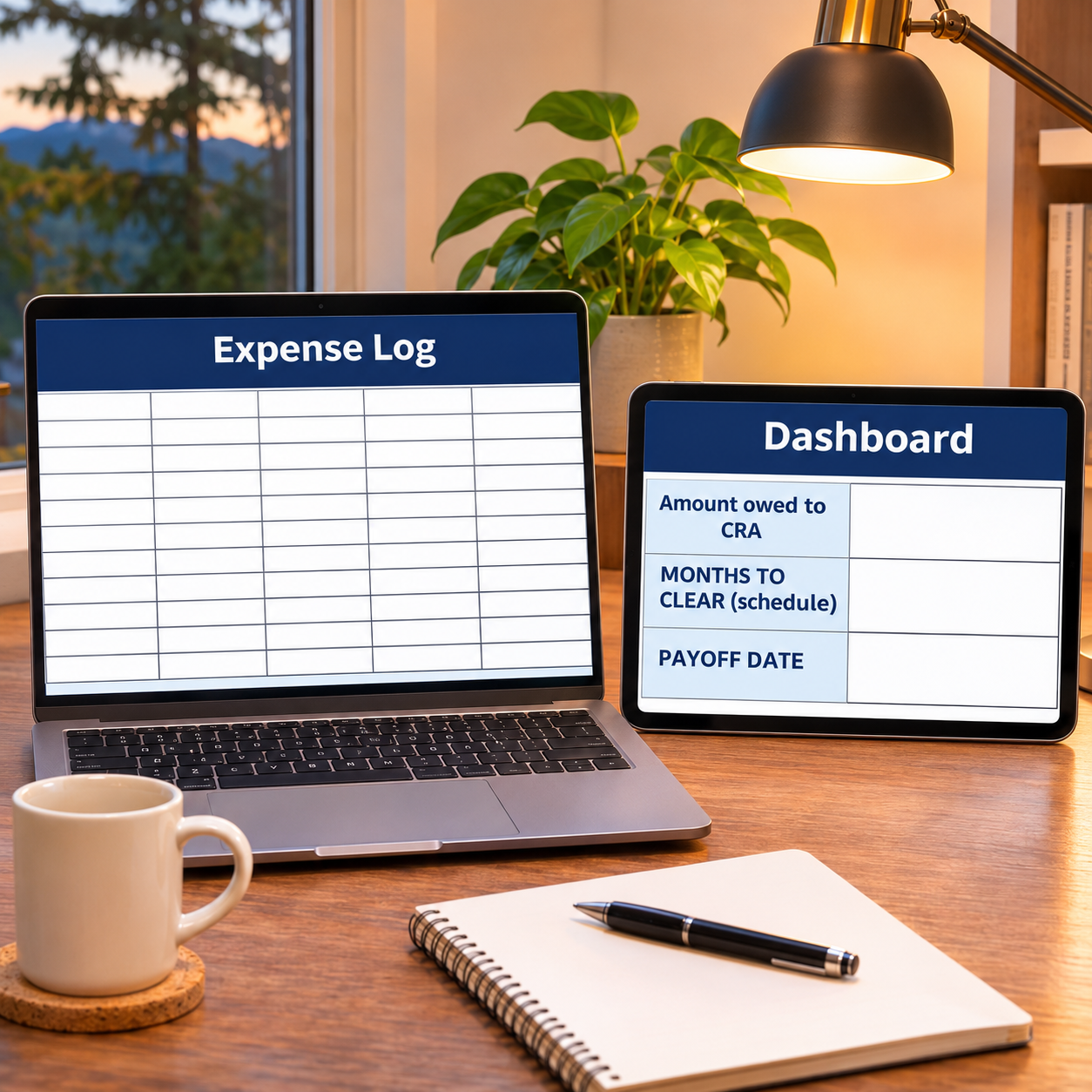
– Dashboard — months to clear, payoff date, total interest, statements reconciled and the running statement difference at a glance.
– Expense Log & Monthly Budget — a zero-based budget with a CRA Payment category, so the arrangement payment is funded like a bill.
– Monthly Summary — 12 months of spending in one view.
– Sample rows pre-filled ($9,750 owed at an example 9% prescribed rate, $325/month: clear in 35 months, payoff 1 Sep 2029, $1,336.82 of interest; three sample statements reconciled with differences of $0.00, +$6.65 and −$8.26) so every formula works the moment you open it; formula cells are locked (password disclosed in Start Here) and every formula is error-wrapped. Keep filing every return on time while the arrangement runs. A tracking and planning tool, not tax or financial advice.
What’s inside (.xlsx, works in Excel AND Google Sheets): Start Here · Payment Schedule (interest, month by month) · Statement Reconciliation (CRA balance vs projection) · Expense Log · Monthly Budget (zero-based) · Dashboard · Monthly Summary (12 months).
Instant download. No shipping, no waiting. Message us if you need help setting it up — we answer fast.


Reviews
There are no reviews yet.