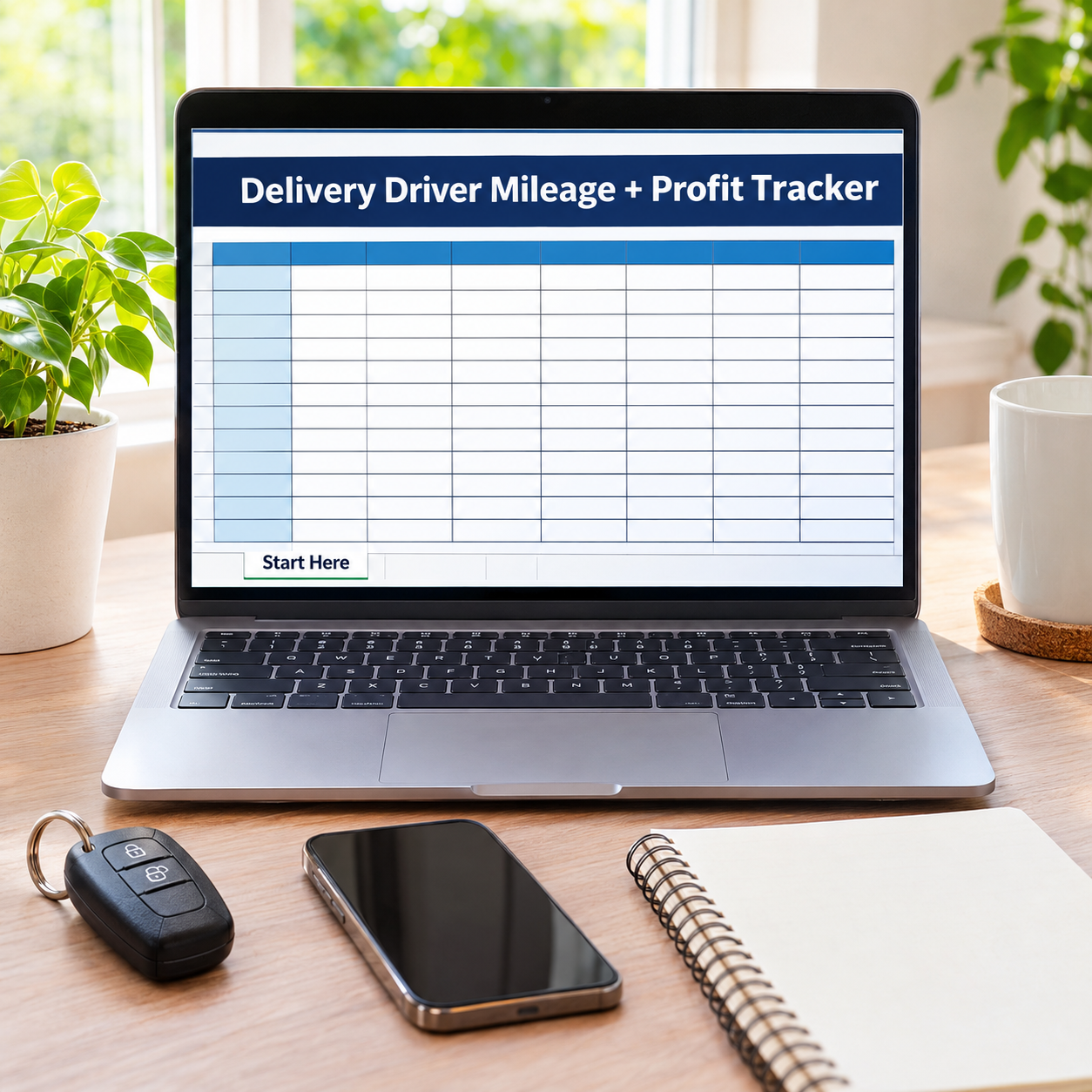

Two records decide a delivery driver’s money: the mileage log the tax authority believes (dates, apps, odometer readings, purpose), and the profit the apps don’t show (pay minus what the miles cost). This workbook keeps both — and connects them: log a shift’s miles once, and the Shift Profit tab pulls them in automatically by date and app, costs them at YOUR per-mile rate, and tells you the shift’s true profit per mile and per hour. The sample month: 646 business miles logged (an estimated $468.35 deduction at the pre-filled example rate), 8 shifts grossing $775 that truly profit $525.25 after $249.75 of mileage costs — $12.36 an hour blended, $14.52 on the best shift.
What it does for you:
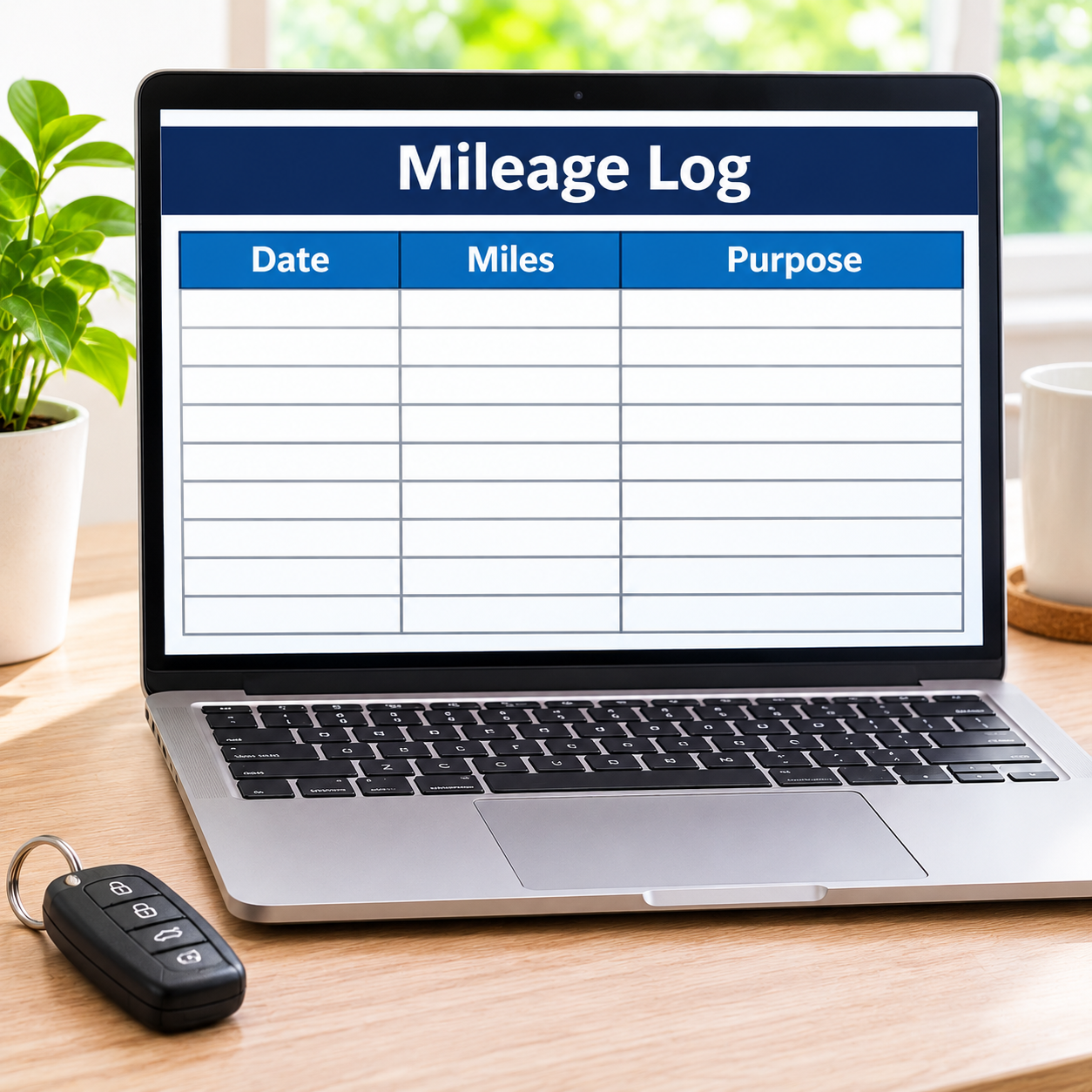
– A tax-record mileage log, done properly: date, app, odometer start and end, miles calculated, and the business purpose written down while you remember it — 24 rows, contemporaneous, exactly the record an auditor asks for.
– Shift miles pull themselves in: enter the shift (date + app) on Shift Profit and its miles arrive from the log — no double entry, no mismatched numbers at tax time.
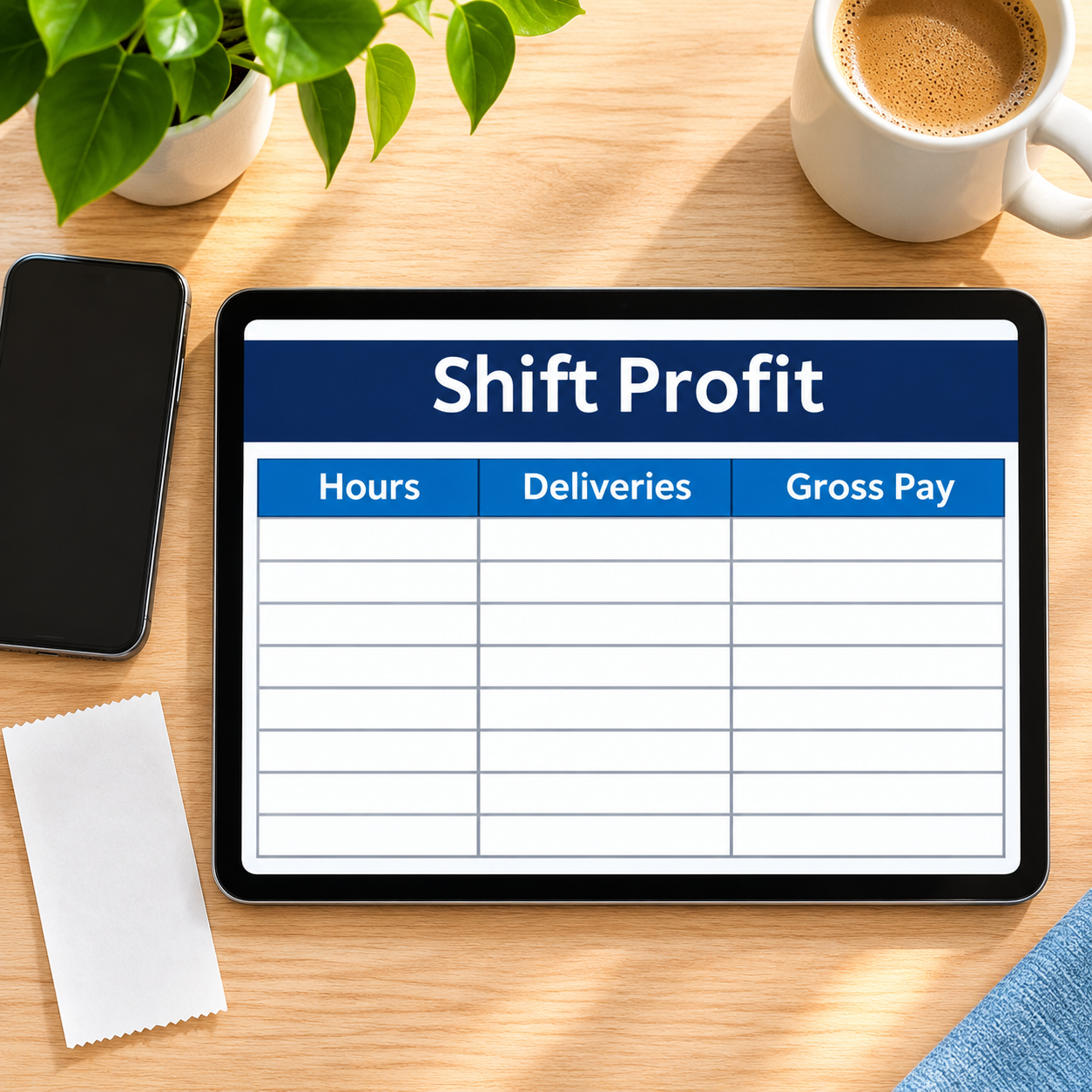
– TRUE profit per shift: base pay + tips + bonuses minus miles × your cost per mile (an example setting you enter — your car, your number). Profit per mile and per hour on every shift.
– Your deduction, estimated honestly: total logged miles × the standard mileage rate YOU set on Start Here (pre-filled with a researched published figure for 2026, clearly labelled an example — verify it against the current official publication and replace it).
– The business around the shifts: categorized expense log, zero-based monthly budget, tax set-aside totalled from true profit at your example %.
What’s inside (.xlsx, works in Excel AND Google Sheets):
– Start Here — plain-English setup + your settings (your cost per mile, the standard mileage rate as a verify-and-replace EXAMPLE, tax set-aside %)
– Mileage Log — 24 tax-record rows: date, app, odometer start/end → miles, purpose; totals + deduction estimate
– Shift Profit — 12 shift rows: hours, deliveries, base pay, tips, bonuses → miles pulled from the log, mile cost, TRUE profit, $/mile, $/hour
– Expense Log — business spending, categorized (fuel, maintenance, gear…)
– Monthly Budget — zero-based, Budget vs Actual fills itself
– Dashboard — gross, mileage costs, true profit, total miles and deduction estimate on one screen
– Monthly Summary — spending by month, Jan–Dec
Instant download. Yellow cells are yours to type in; every formula cell is locked (password sheetdaily, shown in Start Here) so nothing breaks by accident. Sample shifts and drives are pre-filled so you can see the math working — replace them with your own. Mileage rates are example settings, not official figures — verify and replace them with the current published rate and your car’s real cost.




Reviews
There are no reviews yet.